

- 01
Capture
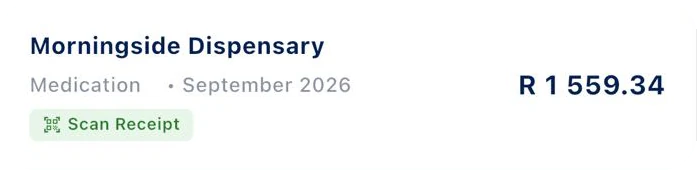
Snap a photo, upload a PDF, or forward an invoice by email. Mali-X reads it in seconds.
Three ways in: your phone's camera, a PDF upload, or an invoice forwarded by email. AI and OCR read the slip in seconds, so there is nothing to type.
- Snap a photo of any slip
- Upload a PDF statement or invoice
- Forward an invoice by email
- 02
Check
Review what the AI pulled out - supplier, date, amount - before anything gets saved.
Nothing is saved until you have looked at it. Check the supplier, the date and the amount the AI pulled out, fix anything that looks off, then confirm.
- Supplier
- Category and month
- Amount
- 03
Categorise
Every expense is filed under the right SARS deduction code, automatically.
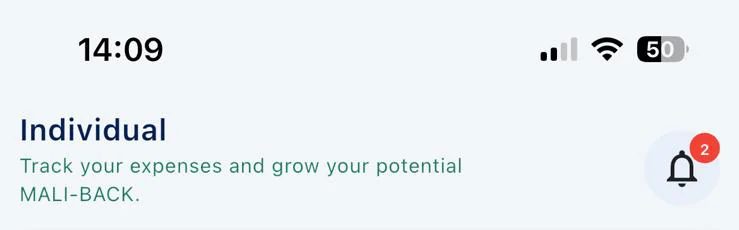
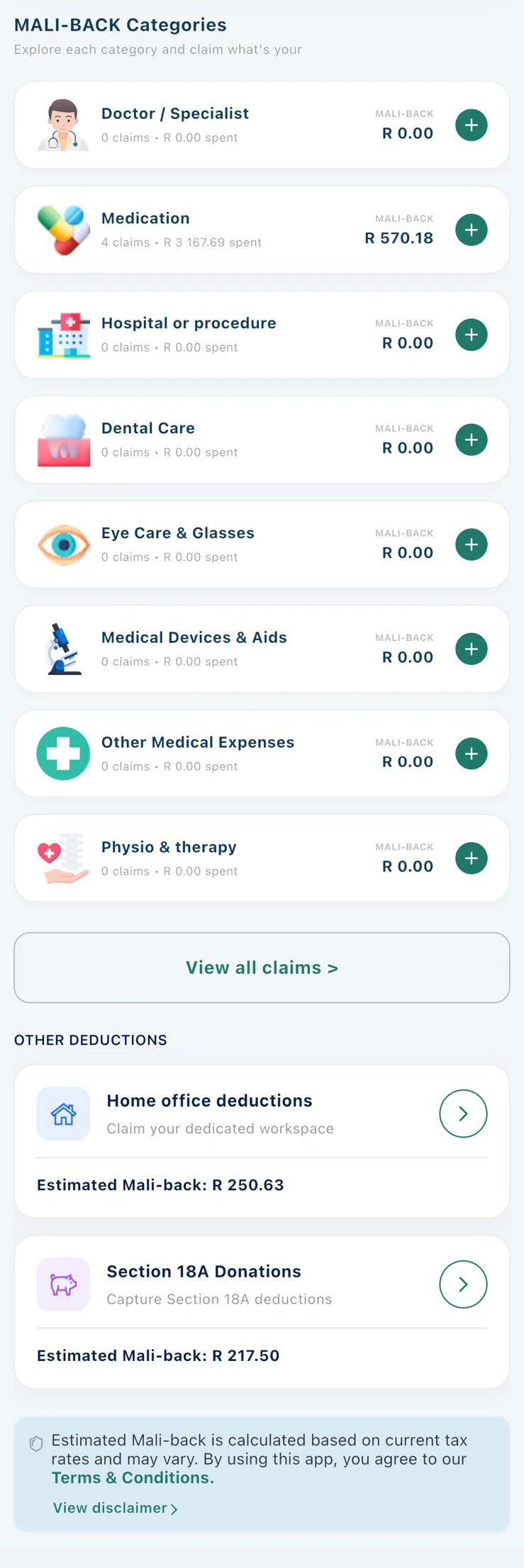
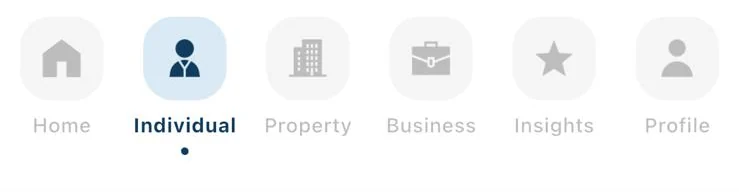
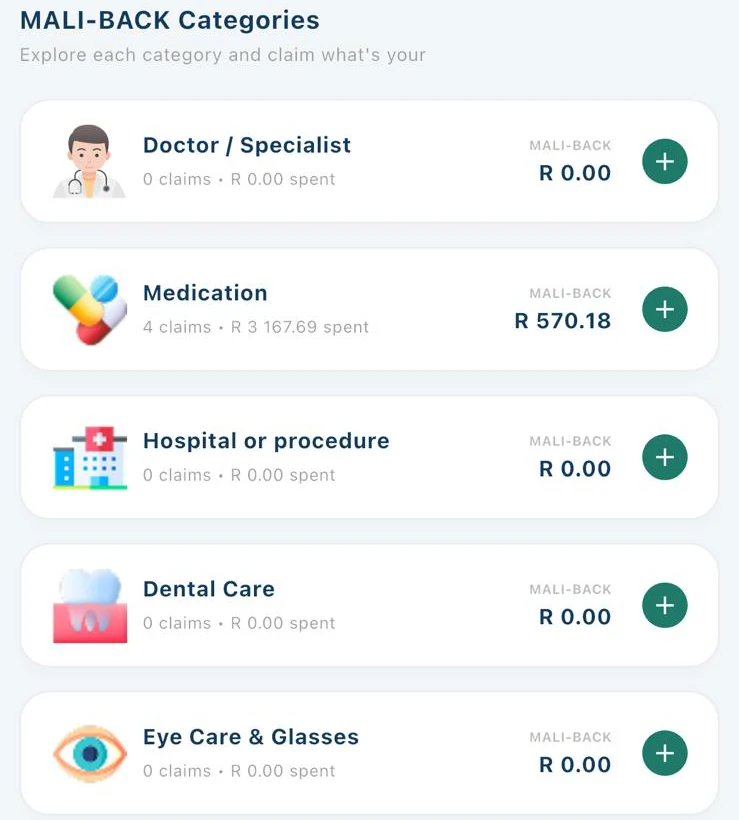
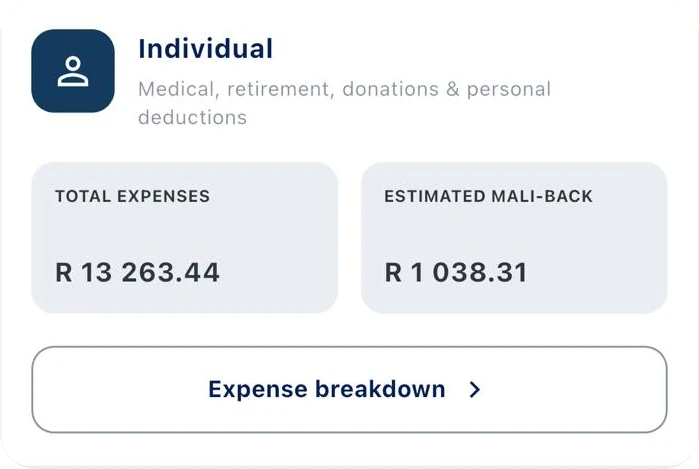
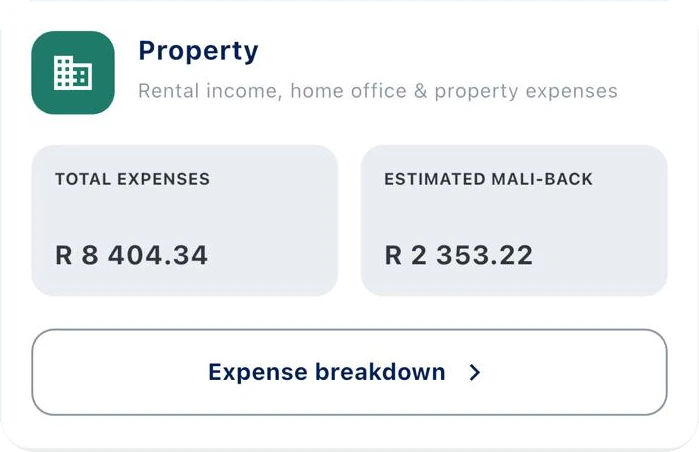
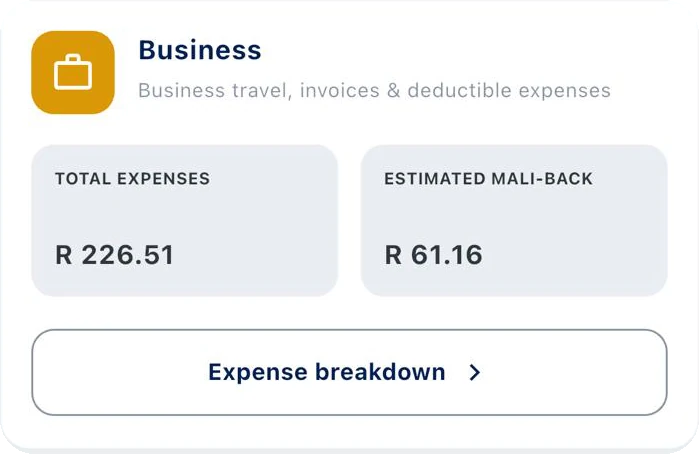
Each expense lands in the right place: doctor visits, medication, dental, eye care and physio on the Individual side; repairs and levies under Property; travel and invoices under Business.
- Medical categories
- Home office and Section 18A
- Property and business costs
- 04
Track
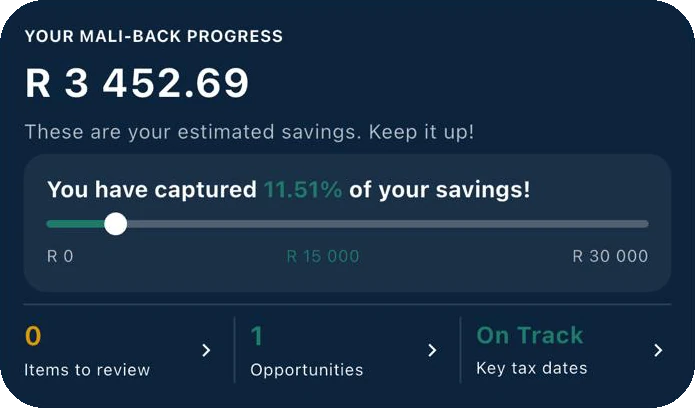
Watch your expenses, your Mali-back estimate, and your records build all year.
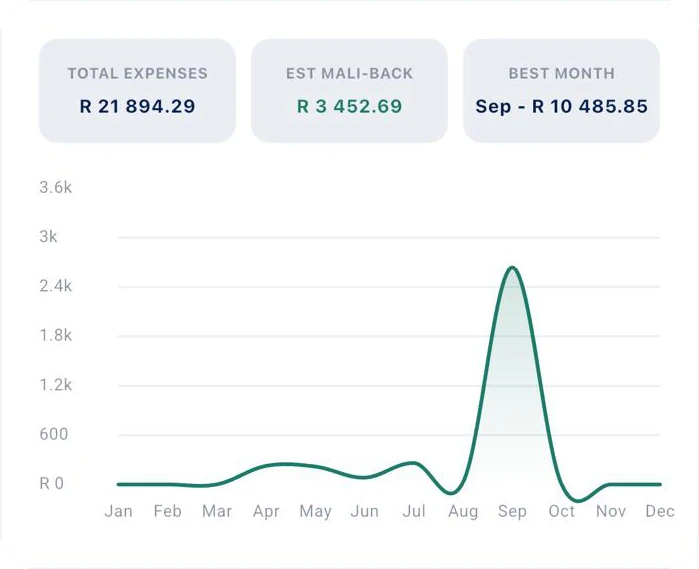
Your estimated Mali-back updates with every receipt. See it by month, by category and in total, long before SARS opens filing.
- Estimated Mali-back to date
- Month-by-month chart
- Best month at a glance
- 05
Improve
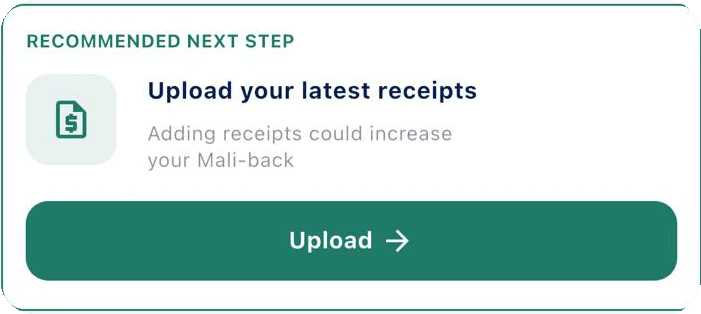
Get nudged when a receipt's missing, or when a deduction's been left on the table.
Mali-X points out what needs attention: items to review, opportunities you have not claimed yet, and how you are tracking against key tax dates.
- Items to review
- Opportunities
- Key tax dates
- 06
Prepare
Generate a SARS-ready tax pack the moment tax season lands.
When tax season arrives, your records are already in order: every claim categorised, every receipt attached, totals ready for Individual, Property and Business.
- Totals per profile
- Receipts attached
- Ready for eFiling or your practitioner
How it works
A six-step flow that keeps your records honest.
From the moment you snap a slip to the day SARS opens filing, Mali-X does the admin. Here is exactly what happens to every receipt.


How Mali-X works
The whole journey, one coin at a time
- 01
Capture
Snap a photo, upload a PDF, or forward an invoice by email. Mali-X reads it in seconds.
- 02
Check
Review what the AI pulled out - supplier, date, amount - before anything gets saved.
- 03
Categorise
Every expense is filed under the right SARS deduction code, automatically.
- 04
Track
Watch your expenses, your Mali-back estimate, and your records build all year.
- 05
Improve
Get nudged when a receipt's missing, or when a deduction's been left on the table.
- 06
Prepare
Generate a SARS-ready tax pack the moment tax season lands.
Get your Mali-back.
The app is launching soon on the App Store and Google Play. Ask to be told the day it lands.
Coming soon to theApp Store
Coming soon onGoogle Play